
M3U8 / HLS
What Is an M3U8 File?
A plain-English explanation of M3U8 playlists, HLS segments, variants and safe testing boundaries.
Last updated: 2026-05-29
An M3U8 file is a text playlist used by HLS, the streaming technology commonly used for live streams and adaptive video playback. The playlist does not usually contain the whole video. Instead, it tells the player where to find media segments, what bitrate options are available and how the stream should be assembled during playback.
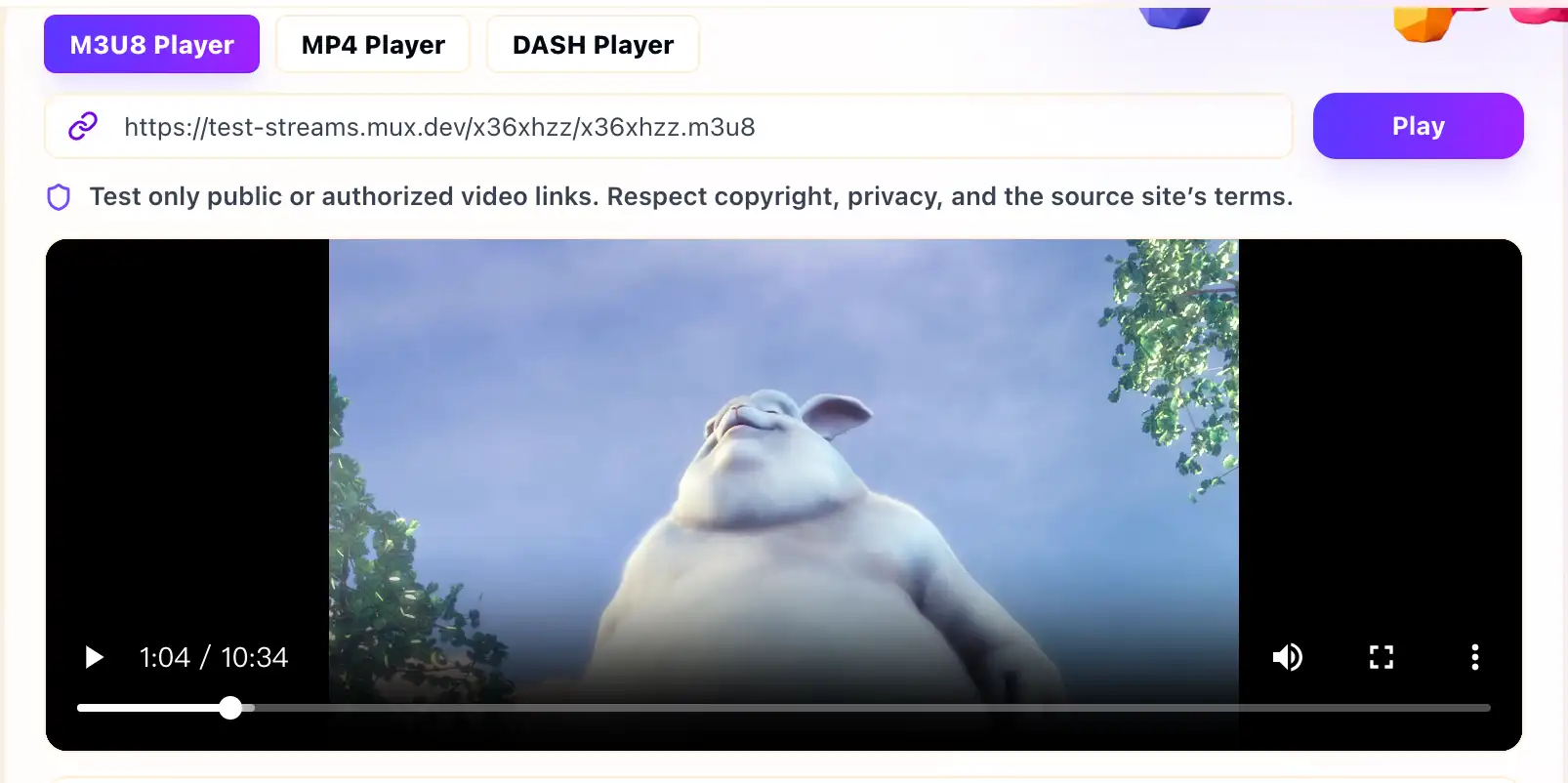
In everyday terms, the M3U8 file is a map. The media segments are the pieces of video. A browser player reads the map, requests the pieces and switches between quality levels when the stream provides variants. You can test a public or authorized playlist with the M3U8 Player Online.
How M3U8 Works With HLS
HLS stands for HTTP Live Streaming. It breaks video into many smaller files and serves them over normal HTTP or HTTPS. The M3U8 playlist lists those files and includes metadata such as target duration, sequence numbers, stream variants and sometimes encryption information.
Some M3U8 files are master playlists. A master playlist points to one or more variant playlists, often with different resolutions or bitrates. Other M3U8 files are media playlists. A media playlist points directly to the segment files that the player downloads during playback.
Why M3U8 Is Different From a Normal Video File
A direct MP4 link usually points to one file. An M3U8 link points to a playlist that may reference many additional files. That is why testing an M3U8 stream is different from testing a single video URL. The first request can succeed while a later variant playlist, segment or key request fails.
This also explains why HLS playback can be sensitive to CORS and access rules. The browser may need permission to fetch the master playlist, the media playlist, every segment and sometimes an encryption key URL. If one of those responses blocks the browser, playback can fail even when the first playlist URL appears valid.
What an M3U8 Player Can Check
A browser-based M3U8 player can check whether the playlist can be loaded in a web environment, whether the browser can begin playback and what events or errors happen along the way. The Playback Log can help you separate a simple bad URL from a CORS problem, codec issue, missing segment or access restriction.
It cannot turn a private stream into a public one, and it cannot bypass DRM, login requirements, copyright restrictions or token rules. If the stream is protected, the correct fix is usually in your own player integration, authorization flow, CDN settings or license system, not in an external test page.
When to Use M3U8, MP4 or MPD
Use M3U8 for HLS playlists. Use the MP4 Player Online for direct MP4 file URLs. Use the MPEG-DASH Player for MPD manifests. Choosing the right test page matters because each format has different loading behavior and different failure points.
What a Simple M3U8 Playlist Can Look Like
M3U8 is plain text. A small media playlist may point to several segment files and tell the player how long each segment is expected to last.
#EXTM3U
#EXT-X-TARGETDURATION:6
#EXT-X-MEDIA-SEQUENCE:100
#EXTINF:6.000,
segment100.ts
#EXTINF:6.000,
segment101.ts
A master playlist can instead point to multiple variants. If one variant or segment URL is blocked, browser playback may fail even when the first playlist loads correctly.
Common Files Behind One M3U8 Test
- Master playlist: lists available bitrate or resolution variants.
- Variant playlist: lists the media segments for one rendition.
- Media segments: the actual video and audio chunks.
- Key files: optional encryption keys for streams that use supported HLS encryption.
Related Guides
How to Test an M3U8 Stream Online
A practical first test for HLS playlists, browser playback, Playback Log clues and access limits.
Why an M3U8 Stream Works in VLC but Not in the Browser
A common HLS troubleshooting guide for streams that play in VLC but fail in web players.
How to Fix M3U8 CORS Errors
A careful CORS guide for stream owners, with browser-safe checks and no bypass advice.