MPEG-DASH Player and MPD Test Tool

Paste a public or authorized MPD manifest URL to preview MPEG-DASH playback, review the Playback Log, and check common manifest or access issues.

3D illustration of an online MPEG-DASH player with MPD and DASH labels

DASH stream playback panel

Test only public or authorized video links. Respect copyright, privacy, and the source site’s terms.

Ready to test your DASH stream Paste an MPD manifest URL above and click Play to load it in the browser player.
0:00 / 0:00

Playback Log Logs browser-side playback events for public or authorized links. Results depend on browser, network, CORS, CDN, server, MIME/codec, Range and access settings; MetisTools does not bypass CORS, DRM, copyright or source permissions.

Logs browser-side playback events for authorized links.

Status: Ready. Paste a public or authorized link, then click Play to start a diagnostic session.
Playback Diagnostic Log
INFO = normal progress, SUCCESS = playback milestone, WARNING = possible issue, ERROR = playback failure.
Video URLs are hidden from copied reports for privacy.

Drag the lower-left corner to expand the log area and review more diagnostic lines.

Embed This Player For private or signed URLs, use short-lived links and source-side access rules. The embed does not hide or proxy the video URL.

Embed public or authorized streams only.

<iframe title="Embed This Player" src="https://metistools.com/embed/dash" width="100%" height="360" style="border:0;aspect-ratio:16/9" allow="autoplay; fullscreen; encrypted-media" allowfullscreen loading="lazy" referrerpolicy="strict-origin-when-cross-origin"></iframe>

How to Use DASH Player

1

Paste an MPD link: Paste a public or authorized MPD manifest URL into the input box.

2

Click the Play button: Load the stream and check DASH playback support.

3

Use player controls: Check play, pause, volume and fullscreen controls.

4

Review playback issues: Identify MPD, segment, codec or network compatibility problems.

What This MPEG-DASH Player Checks

  • Checks whether a public or authorized MPD manifest can be loaded by the browser player.
  • Shows browser and DASH loading events related to manifests, media segments, codecs and playback state.
  • Displays Playback Log records so you can review likely manifest, segment, network or compatibility issues.
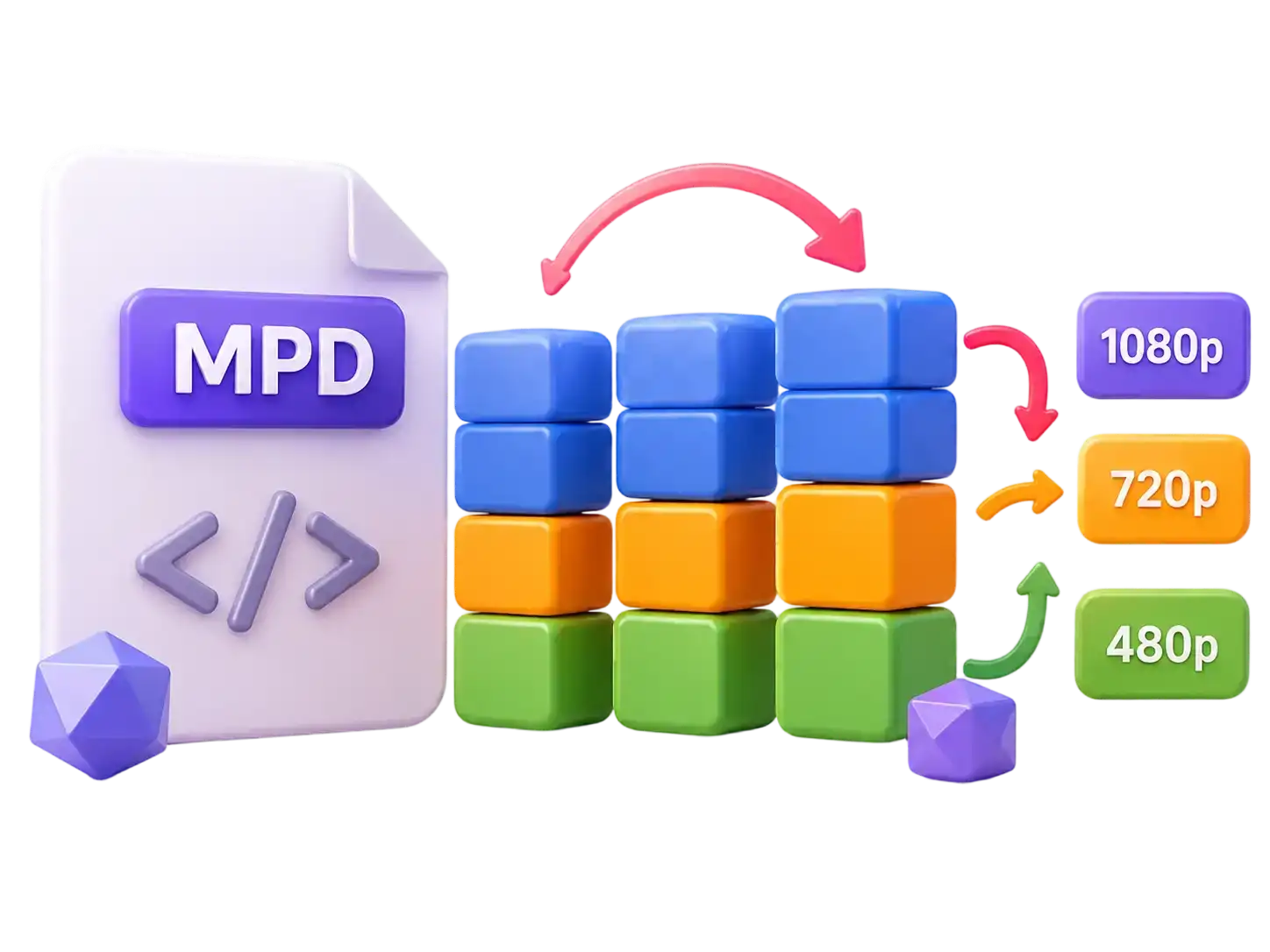
3D MPD manifest file and adaptive video segment illustration for DASH testing

Common DASH Playback Problems

  • The MPD manifest may be expired, private, invalid, blocked by tokens or unavailable from your network.
  • CORS rules can block manifest, initialization segment or media segment requests in the browser.
  • Missing segments, unsupported codecs, DRM license requirements, slow servers or unstable networks can stop playback.
3D multi-device MPEG-DASH playback illustration for MPD troubleshooting

DRM, Manifest and Access Limits

  • This tool tests plain browser playback and does not bypass DRM, license servers, login walls, private access controls or copyright restrictions.
  • Protected DASH streams usually require a supported DRM license flow and cannot be tested like a normal public MPD link.
  • If you own the source, verify MPD validity, segment URLs, codec declarations, CORS headers, token expiry and CDN responses.
3D warning illustration for DASH DRM, manifest and browser access limits

FAQ