
M3U8 / HLS
How to Fix M3U8 CORS Errors
A careful CORS guide for stream owners, with browser-safe checks and no bypass advice.
Last updated: 2026-05-31
An M3U8 CORS error happens when the browser is not allowed to fetch a playlist, media segment or related resource from the video source. CORS is a browser security rule. It is not a video format problem by itself, and it is not something a responsible test tool should bypass.
If you own or manage the stream, use the M3U8 Player Online to reproduce the browser behavior, then check the responses from your origin server or CDN. The goal is to configure authorized browser playback correctly, not to work around someone else’s access controls.
Check the First Playlist Response
Start with the first M3U8 URL you paste into the player. The response should be a real playlist, not an HTML page, login screen, expired token error or redirect loop. It should also be served over HTTPS when the page using the player is HTTPS.
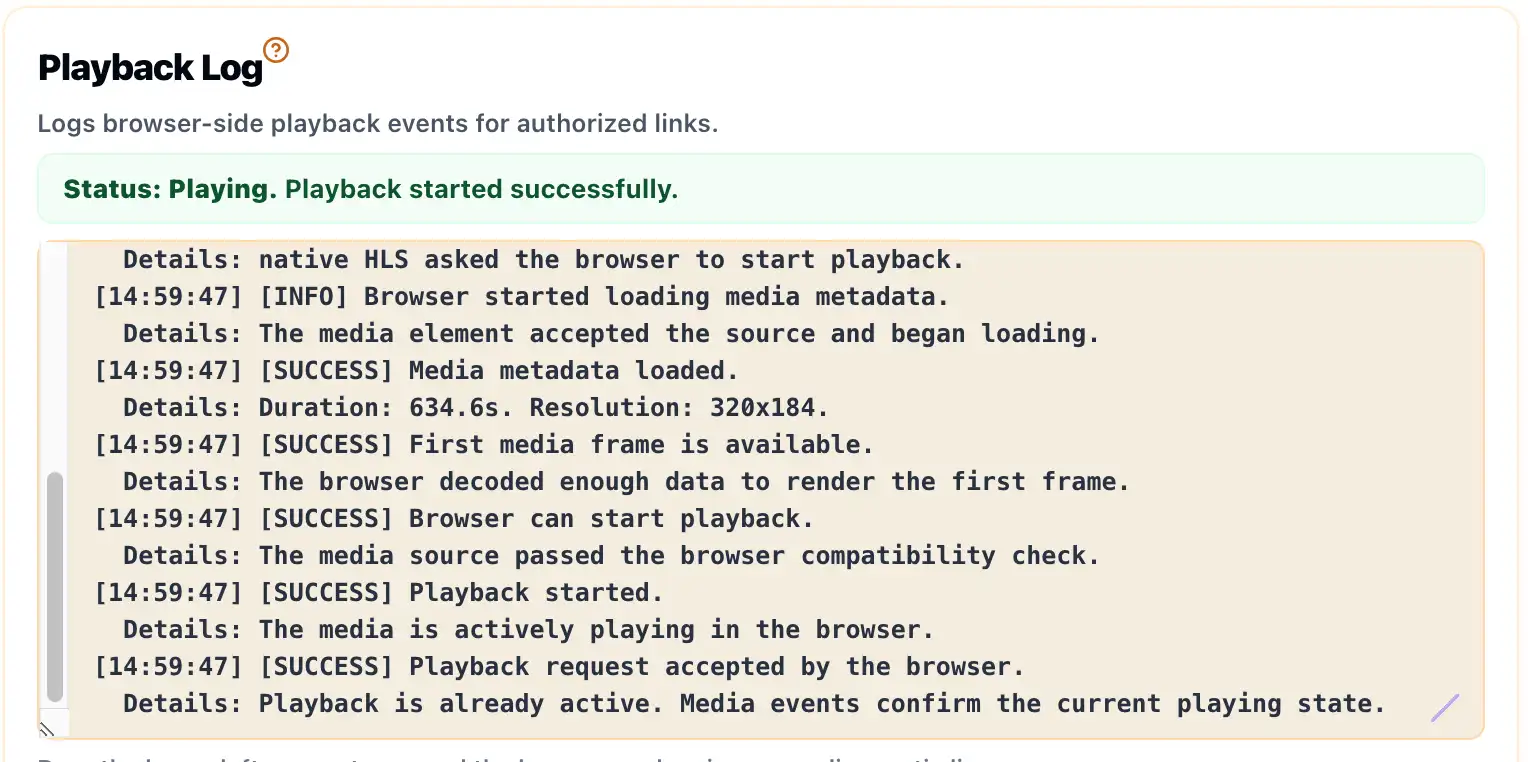
If your browser console or Playback Log indicates a CORS problem, inspect the response headers on that playlist. The source server must allow browser requests from the site where the player runs. For public streams, that may mean allowing the expected origin. For private streams, it may require a controlled and authenticated player environment.
Do Not Forget Variant Playlists and Segments
HLS often loads several files after the first playlist. A master playlist can point to variant playlists. Variant playlists point to segment files. Some streams also use encryption key URLs. A CORS fix on only the first file may not be enough.
Check the failing request, not just the original URL. If the first playlist loads but playback stops later, the blocked resource may be a segment, key file or variant playlist. Your CDN logs and browser network panel can help identify which response is missing the required access behavior.
Confirm MIME Types and Redirects
CORS issues sometimes appear together with other response problems. The server may return the wrong content type, redirect to another host or serve an error page with a successful-looking status code. These details can make a stream behave differently across players.
A clean test should show that the playlist is reachable, segment URLs are reachable, HTTPS is consistent and the browser receives media responses rather than HTML or JSON error bodies. If you are also seeing codec or media errors, read why M3U8 can work in VLC but fail in the browser.
Fix CORS at the Source You Control
The long-term fix belongs on the origin server, CDN or storage service that serves the playlist and segments. If the stream is yours, configure browser access for the origins that should be allowed to play it. If the stream is not yours, do not try to bypass the restriction. Ask the content owner for an authorized test URL or integration instructions.
Example Headers to Review
The exact header values depend on your security model. For a public test stream, stream owners often review whether the relevant responses include browser access headers for the player origin.
Access-Control-Allow-Origin: https://metistools.com
Access-Control-Allow-Methods: GET, HEAD
Access-Control-Allow-Headers: Content-Type
Content-Type: application/vnd.apple.mpegurl
Apply the policy only to sources you control. Do not use a public proxy or bypass service to access someone else’s restricted stream.
CORS Review Checklist
- Check the first M3U8 playlist response.
- Check every variant playlist referenced by the master playlist.
- Check media segment responses, not only playlist responses.
- Check key file responses if the stream uses supported encryption.
- Review redirects, token expiry and CDN cache behavior.
Related Guides
How to Test an M3U8 Stream Online
A practical first test for HLS playlists, browser playback, Playback Log clues and access limits.
What Is an M3U8 File?
A plain-English explanation of M3U8 playlists, HLS segments, variants and safe testing boundaries.
Why an M3U8 Stream Works in VLC but Not in the Browser
A common HLS troubleshooting guide for streams that play in VLC but fail in web players.