
M3U8 / HLS
Why an M3U8 Stream Works in VLC but Not in the Browser
A common HLS troubleshooting guide for streams that play in VLC but fail in web players.
Last updated: 2026-06-01
It is common for an M3U8 stream to play in VLC but fail in a browser-based player. That does not always mean the stream is broken. It usually means the two players are operating under different rules. VLC is a desktop application. A browser player must obey web security rules, MediaSource requirements and browser codec support.
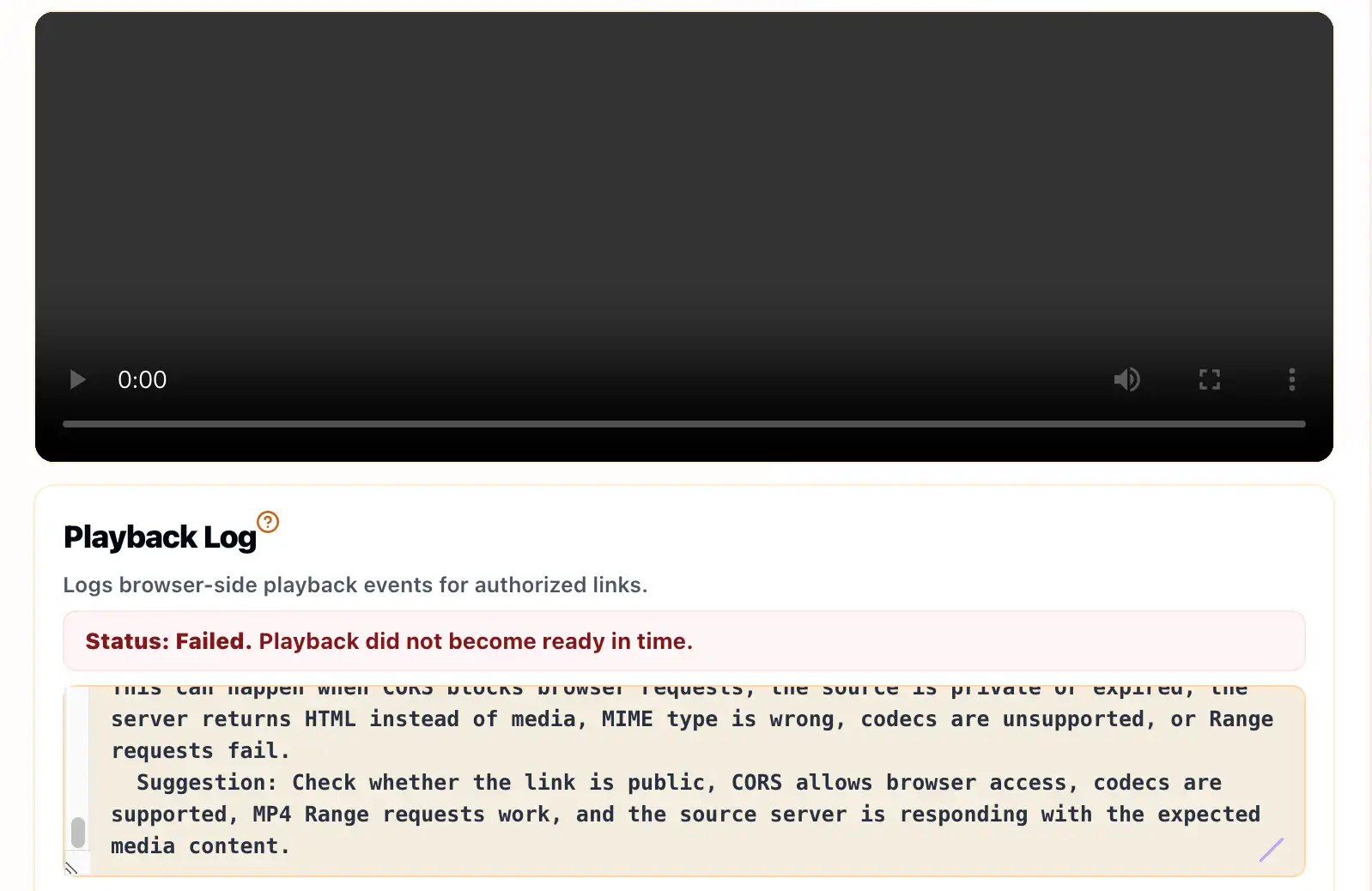
To reproduce the browser experience, test the playlist with the M3U8 Player Online. The result is closer to what a web visitor or embedded player may experience than a desktop media player test.
CORS Is the Most Common Difference
Browsers enforce cross-origin rules. If your website tries to load a playlist from another domain, the source server must allow that browser request. VLC does not behave like a webpage running inside a browser, so it may load the same URL even when the browser is blocked by CORS.
For HLS, the source must allow access to more than the first M3U8 file. The browser may need CORS permission for the master playlist, variant playlists, media segments and key files. One missing header can make playback fail after the first request appears successful.
Codecs and MediaSource Support Matter
VLC supports a wide range of formats and codecs. Browsers support fewer combinations, and support varies by browser and device. A stream encoded with a codec that VLC can decode may still be unsupported by a browser video element or MediaSource pipeline.
If the browser reports a media or decode error, check the video codec, audio codec, container format and HLS packaging. The stream may need a browser-compatible rendition rather than a change to the test tool.
Tokens, Referrers and Sessions Can Change the Result
Some streams use signed URLs, cookies, referrer checks or short-lived tokens. VLC may be testing a URL at a moment when it still works, while a browser test may fail after the token expires. A browser may also send a different referrer or no cookie at all, depending on how the stream is configured.
If you own the stream, check whether the playlist and every segment can be requested from the same environment where your web player runs. Avoid using test links copied from private pages unless you have permission and know how the authorization flow is meant to work.
DRM and Protected Streams Are a Separate Case
Some HLS streams require DRM or a license flow. A simple public M3U8 test page cannot replace the correct player integration, license server request and user authorization. If the stream is protected, the right path is to test it in the authorized player environment.
If the problem appears to be cross-origin access, continue with the M3U8 CORS error guide. If you only need to confirm whether a public playlist can load in a browser, start with a clean test in the M3U8 player and compare the Playback Log with your server or CDN logs.
Browser Checks to Compare With VLC
- Does the M3U8 URL use HTTPS when the page is HTTPS?
- Do playlist, segment and key responses allow the browser origin?
- Are the video and audio codecs supported by the browser and device?
- Does the URL require cookies, referrer rules or a signed user session?
- Does the stream require DRM or a license server flow?
Example Difference in Failure Signals
VLC may simply play the URL, while the browser may show a network or media error. A typical browser-side clue might look like this:
[INFO] Loading HLS stream
[WARNING] Manifest request completed but segment access failed
[ERROR] Browser could not continue playback
Use this kind of signal to inspect the failing request, then confirm the corresponding response in your CDN or origin logs.
Related Guides
How to Test an M3U8 Stream Online
A practical first test for HLS playlists, browser playback, Playback Log clues and access limits.
What Is an M3U8 File?
A plain-English explanation of M3U8 playlists, HLS segments, variants and safe testing boundaries.
How to Fix M3U8 CORS Errors
A careful CORS guide for stream owners, with browser-safe checks and no bypass advice.